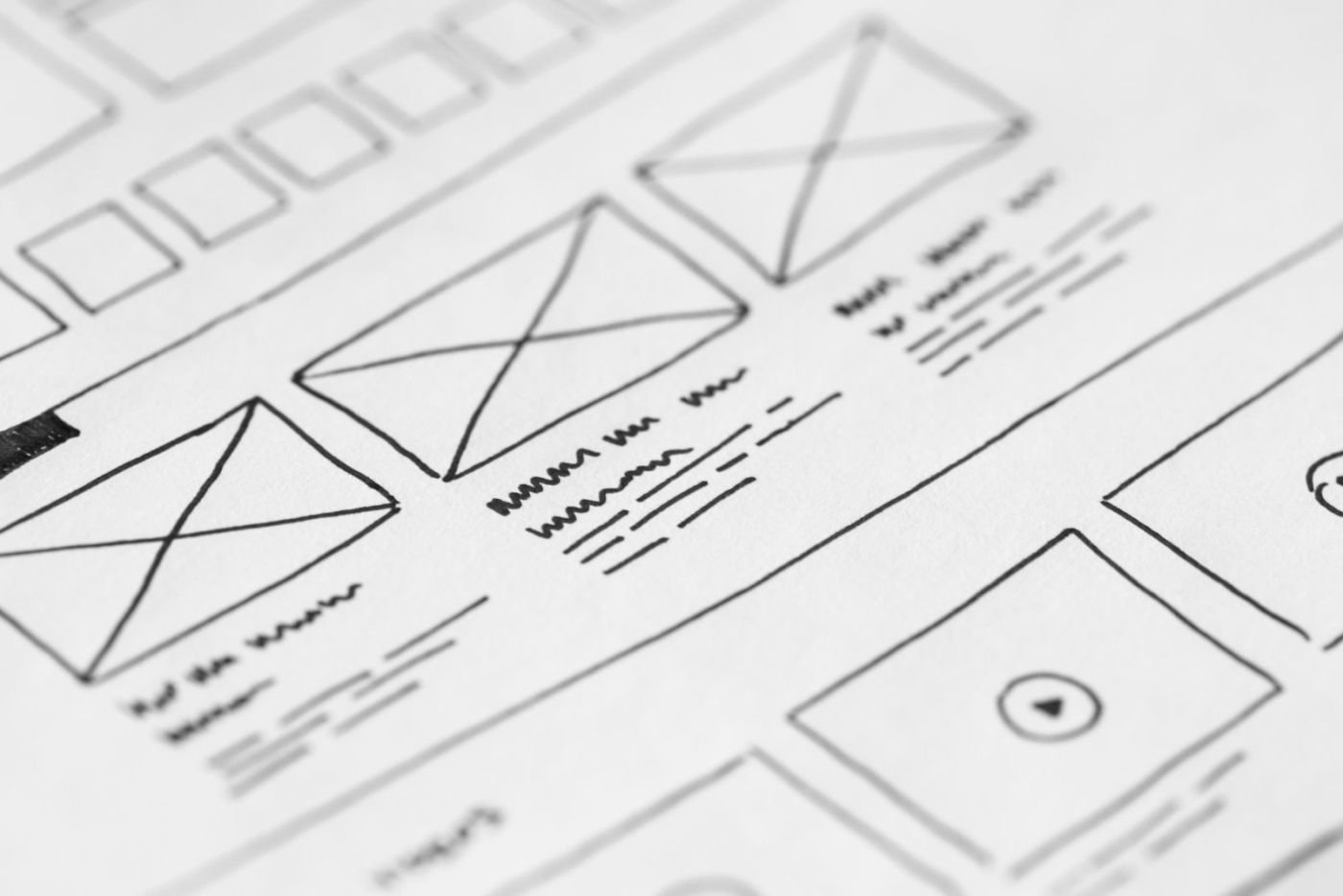
Why Wireframes Save Money Before Design and Code
- CMU Nerds Team
- October 28, 2026
- UI/UX Design
- UX Planning, Wireframes
- 0 Comments
Changing a line on a sketch takes seconds. Changing the same thing after a website or app has been designed in full color and built in code can take days. That simple fact is why wireframes matter, and why they’re one of the cheapest ways to protect a software budget.
This article is for business owners and managers about to start a website, app or software project. You’ll learn what wireframes are, how they save money before design and code begin, what a good wireframe review looks like, and how to take part even if you’ve never seen one before.
Key takeaways
- Wireframes are simple black-and-white layouts that show what goes on each screen and how people move between screens.
- They let you catch missing features, confusing steps and wrong priorities while changes are still cheap.
- You don’t need design skills to review them; you need to know your customers and your business.
- Approved wireframes give designers and developers a shared plan, which means fewer surprises later.
What wireframes are
A wireframe is a basic sketch of a screen. It shows where things go (the menu, headings, text, images, buttons and forms) without colors, real photos or final fonts. Think of it as the floor plan of a house before anyone picks paint or furniture.
Wireframes come in a few levels of detail:
- Low-fidelity: quick sketches on paper or a whiteboard, or simple boxes on screen. Good for exploring ideas fast.
- Mid-fidelity: cleaner digital layouts, made with tools such as Figma, with real headings and rough content. The most common level for client reviews.
- Clickable wireframes: mid-fidelity screens linked together so you can click through a flow, such as signing up or placing an order.
Wireframes are different from mockups (full-color designs that show the final look) and prototypes (interactive versions that feel close to the real product). Wireframes come first because they answer the most important question: does this structure work?
How wireframes save money before design and code
Every stage of a project builds on the one before it. A wrong decision at the start gets more expensive to fix at each step after it, because more work has to be redone.
| Stage | What a change involves | Relative effort |
|---|---|---|
| Wireframe | Move a box, rename a button, add a step | Minutes to hours |
| Visual design | Rework polished screens, recheck the style across pages | Hours to days |
| Development | Rewrite code, update the database, retest | Days or more |
| After launch | All of the above, plus retraining users and fixing data | The most expensive |
Here’s where the savings come from:
Missing pieces show up early
Laying out every screen forces questions like “Where does a customer reset their password?” or “What happens if an item is out of stock?” Finding those gaps on a wireframe is far cheaper than finding them halfway through development.
Everyone agrees on the same picture
Written requirements can mean different things to different people. A wireframe makes the plan visible, so owners, managers, designers and developers all react to the same thing.
Estimates get more accurate
Developers can estimate work far more reliably from approved wireframes than from a list of ideas. That means fewer budget surprises and fewer “that wasn’t in scope” conversations.
Priorities become clear
When you see a screen with ten buttons, it’s obvious that something needs to give. Wireframes make it easier to decide what belongs in the first version and what can wait.
You can test with real users cheaply
Showing a clickable wireframe to a few customers or staff and watching them try a task often reveals confusing steps you’d never spot yourself.
What good wireframes include
- Every key screen, not just the home page: forms, confirmation pages, error states and empty states (what a screen looks like before there’s any data).
- Real or realistic content, such as actual headings and menu labels, rather than placeholder text everywhere.
- Mobile and desktop layouts, because many visitors arrive on phones.
- User flows that show how people get from one screen to the next for each main task.
- Notes explaining behavior that a static picture can’t show, such as “this list filters as you type.”
- Accessibility basics, such as a clear heading order, visible labels on form fields and buttons large enough to tap.
How to review wireframes as a business owner
You don’t need to judge design. You need to judge whether the plan works for your customers and your team. Ask yourself:
- Can a customer do the main task quickly? Walk through it step by step: find a product, request a quote, book a time.
- Is the most important thing the most prominent? Your main call to action should be easy to spot.
- Does the language match how your customers talk? Menu labels should use their words, not internal jargon.
- Is anything missing? Think about edge cases, staff-only screens and what happens when something goes wrong.
- Is anything unnecessary? Every extra feature adds design, build and maintenance cost.
Try not to comment on colors or fonts at this stage; that comes in visual design. Feedback on structure and content is the most valuable thing you can give now.
Where wireframes fit in a project
A typical sequence looks like this: discovery (goals, users and requirements), then wireframes, then visual design, then development and testing. Wireframes usually go through one or two rounds of feedback before sign-off. Skipping them rarely saves time; it usually moves the same decisions into later, more expensive stages.
Wireframing is a core part of our UI/UX design process, and the approved layouts become the blueprint that developers build from.
Frequently asked questions
What is the difference between a wireframe and a mockup?
A wireframe shows structure and layout in simple grayscale boxes. A mockup shows the final visual design, with colors, fonts, images and branding.
Do small projects need wireframes?
Even small projects benefit from a few quick wireframes of the key pages. They take little time and help avoid rework once design and code begin.
What tools are used to make wireframes?
Many teams use Figma, while others start with pen and paper or a whiteboard. The tool matters less than covering every key screen and user flow.
Wireframes are a small step that keeps the rest of a project on track and on budget. If you’d like help planning your screens before design and development begin, tell us about your project.